
LaunchscenesCreate screenshots free

App Store Screenshot Sizes

Use this live reference to check screenshot dimensions, understand device groups, and generate compliant outputs in one place.

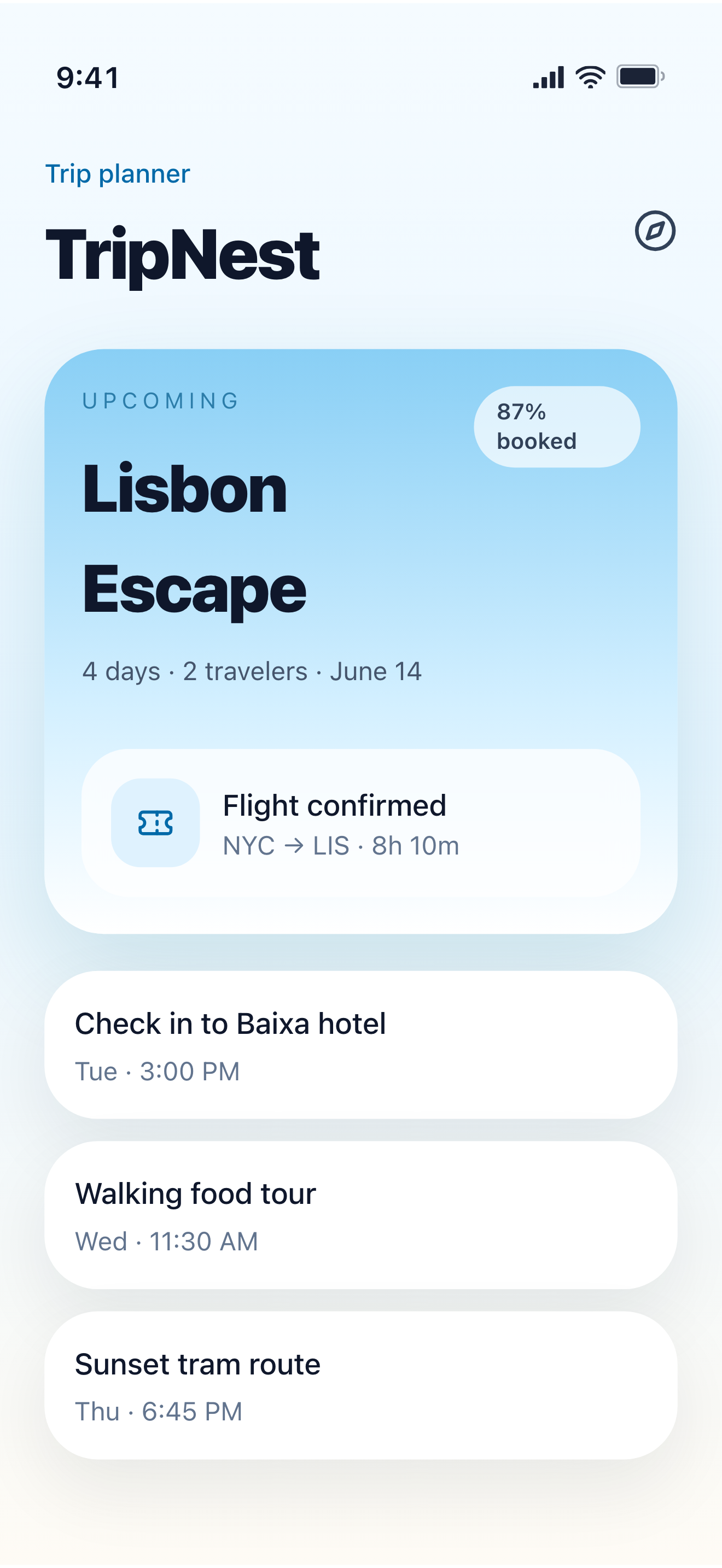
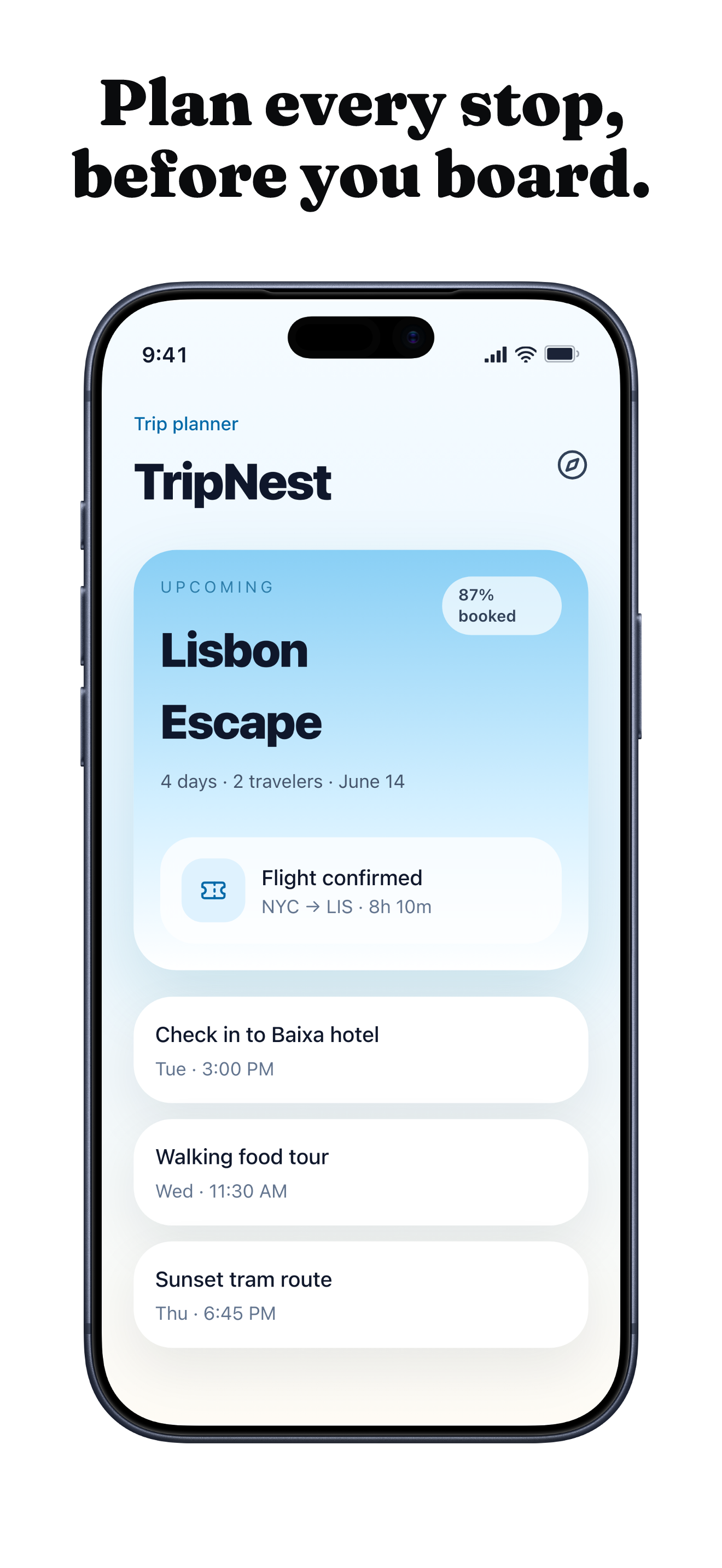
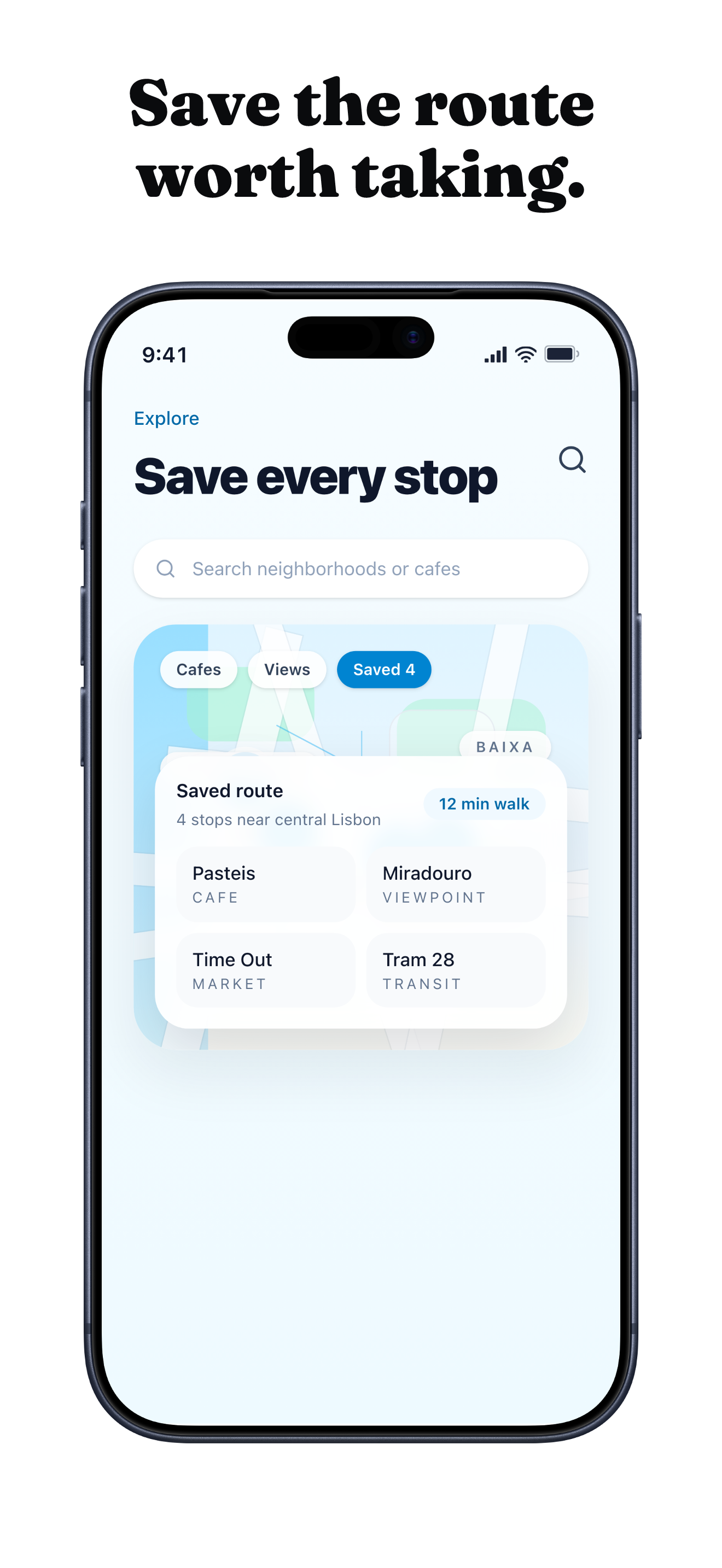
See how one raw screenshot turns into an App Store-sized set.

Raw capture on the left, generated App Store-sized outputs on the right.

Raw source

TripNest travel app itinerary source screen with Lisbon trip details.

Output 1

TripNest travel App Store screenshot example showing itinerary planning.

Output 2

TripNest travel App Store screenshot example showing saved map stops.

What happens next

Upload up to ten PNG or JPG screenshots.
Launchscenes detects the device size and frames the layout for you.
Compare the output sizes here, then open the builder to export your own set.

What this page helps you decide

Use the notes below to choose the right screenshot size, template, and export path for an iPhone App Store listing.

Current iPhone screenshot sizes to check first

Use this page as the canonical Launchscenes size reference for iPhone App Store work. Apple's official App Store Connect rules should remain the final submission source, but these are the practical iPhone portrait sizes that matter most when preparing source captures and exports.

  • 6.9-inch display group: 1260 x 2736, 1290 x 2796, or 1320 x 2868.
  • 6.3-inch display group: 1179 x 2556 or 1206 x 2622.
  • 6.1-inch display group: 1170 x 2532, 1125 x 2436, or 1080 x 2340.
  • Legacy 6.5-inch display group: 1284 x 2778 or 1242 x 2688.
  • Verified against Apple's App Store Connect screenshot specifications: 2026-06-19.

Source-size guidance before exporting

Use native screenshots whenever possible. If a screenshot has been resized, compressed, or placed inside another mockup before upload, the final App Store-sized export can look soft even when the dimensions technically match.

  • Capture the app at the target iPhone size instead of scaling a smaller screenshot up.
  • Keep text and controls away from corners, the notch area, and the home indicator.
  • Use the detected device recommendation as a starting point, then inspect the preview before export.

Which iPhone screenshot size should I use?

Start with a current accepted size for the 6.9-inch iPhone display group, then inspect text size, cropping, and spacing in every output you plan to submit. Apple can scale screenshots for other display groups, but a separate composition may be worthwhile when the design becomes difficult to read.

  • Use the largest clean source capture available.
  • Avoid enlarging a small or compressed screenshot.
  • Inspect captions and interface labels at actual App Store preview size.
  • Treat Apple's current App Store Connect documentation as the final submission source.

Screenshot dimension table

Focus on the sizes most teams need first, then export the matching deliverables from the dedicated builder. Verified against Apple's App Store Connect screenshot specifications: June 19, 2026.

DevicePlatformSize
6.9-inchiOS1,260 x 2,736 / 1,290 x 2,796 / 1,320 x 2,868
6.3-inchiOS1,179 x 2,556 / 1,206 x 2,622
6.1-inchiOS1,170 x 2,532 / 1,125 x 2,436 / 1,080 x 2,340
Legacy 6.5-inchiOS1,284 x 2,778 / 1,242 x 2,688
Legacy 4.7-inchiOS750 x 1,334

Open the builder for this setup.

The full builder opens on its own dedicated page so editing and export stay focused. Template and device recommendations from this guide are applied when supported.

Template
productivity
Device
Auto or detected
Open in builder

FAQ

Do I need separate screenshots for every iPhone size?

Not always. Many teams can reuse one source set when aspect ratio and legibility hold up, but you should still inspect each selected iPhone output before publishing.

Is Apple still the final source for screenshot rules?

Yes. Launchscenes keeps this practical iPhone reference for generator workflow decisions, but Apple's App Store Connect screenshot specifications are the final submission source.

More screenshot guides worth opening

Compare device sizes, browse styles, or look through category examples, then jump straight back into the dedicated builder when you are ready.