
Create polished App Store screenshots in minutes.
Upload raw iPhone captures, choose a template, write captions, and export correctly sized PNGs without Figma or Photoshop.
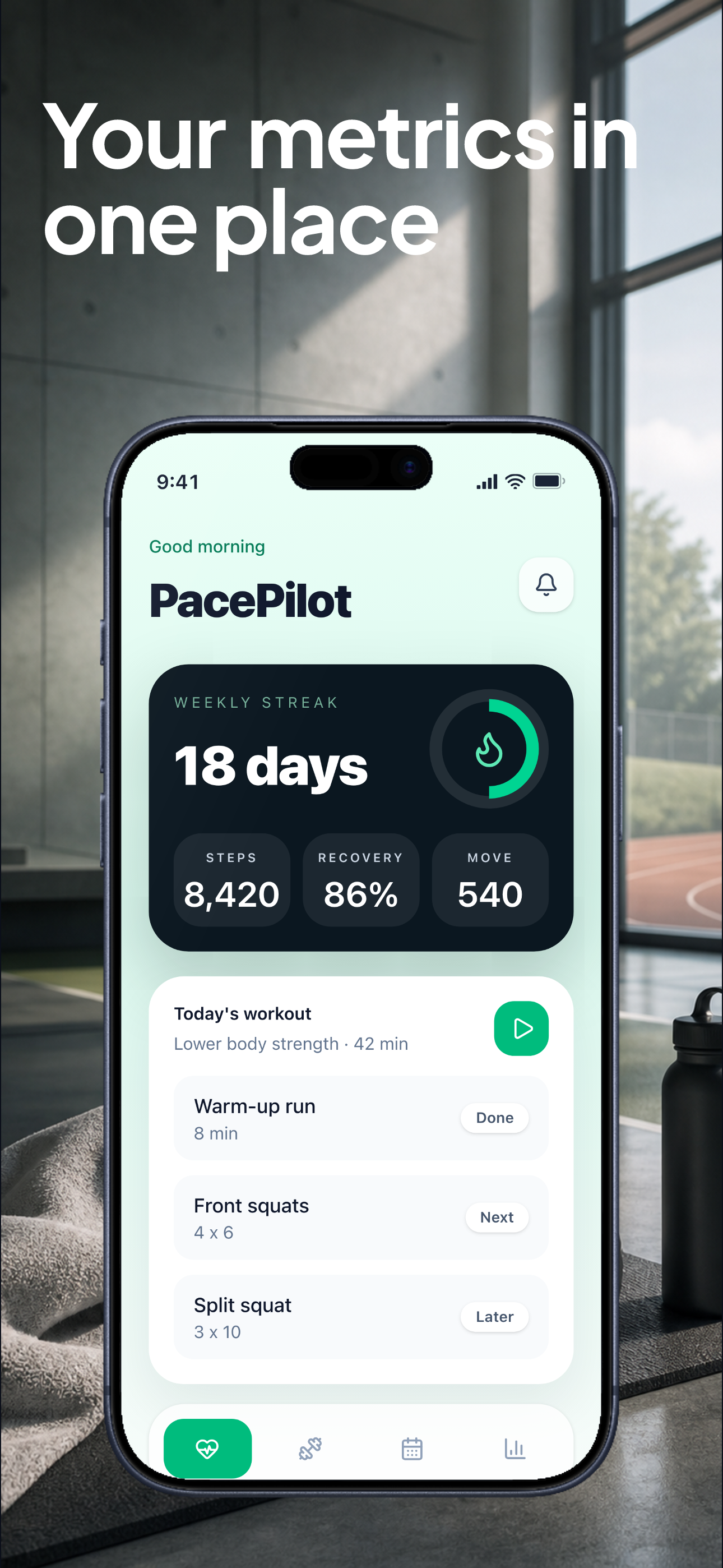
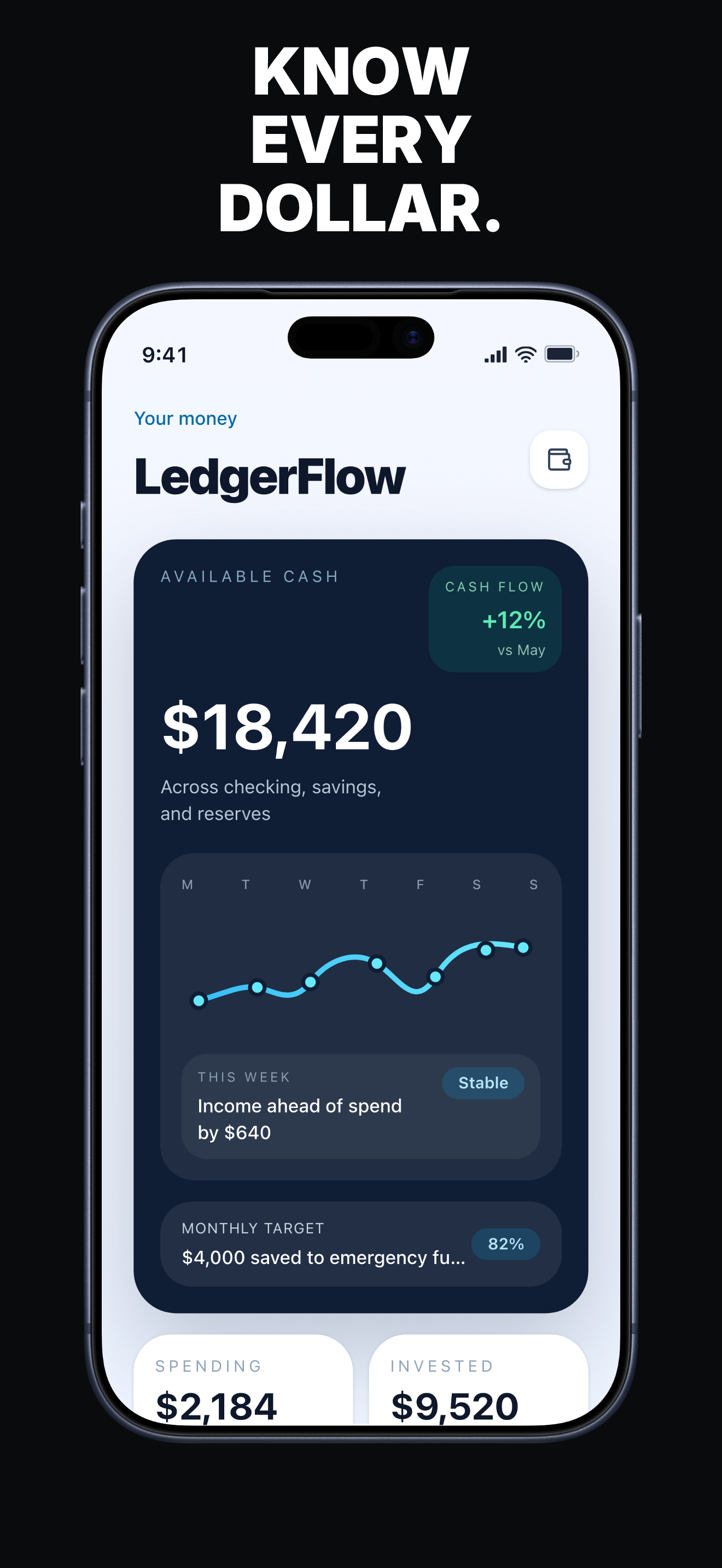
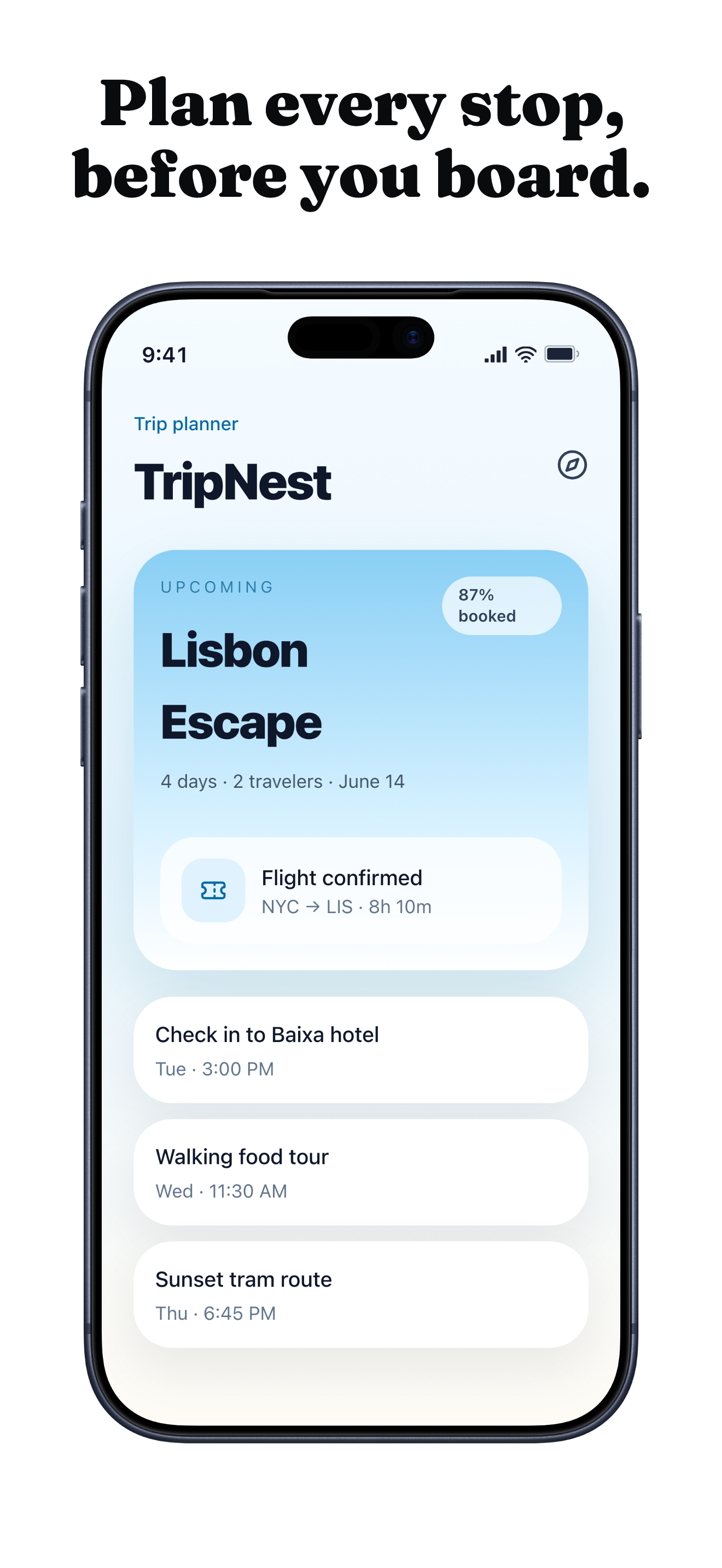
Example export sets, built with Launchscenes.
See how app screens become captioned, App Store-sized iPhone screenshot pages.
Four steps to export.
Launchscenes handles device detection and formatting. You focus on what each screenshot should say.
Upload
Drop up to 10 PNG or JPG screenshots from your phone or simulator.
Detect
Launchscenes reads image dimensions and matches the right device frame.
Style
Pick a template, write short captions, preview the final composition.
Export
Download a ZIP with correctly sized App Store images.
Built for founders who ship fast.
You already built the app. Launchscenes handles the last mile: polished store screenshots without a design workflow.
Start free. Pay when you publish.
Preview every page in the editor for free. Sign in when you need the daily watermarked first-page ZIP.
Create the project, preview every page in the editor, and upgrade only when you need a clean ZIP.
- Upload up to 10 screenshots
- All available templates
- Automatic device detection
- Preview every page in the editor
- One watermarked first-page preview ZIP each day after sign-in
- Google sign-in required for downloads
Download one complete watermark-free ZIP without starting a subscription.
- All project pages
- App Store-sized PNGs
- One complete watermark-free ZIP
- One-time payment
- No recurring subscription
Create up to 30 complete watermark-free ZIP exports each month while subscribed.
- Up to 30 complete watermark-free ZIP exports each month
- Use across active projects
- Google sign-in and an active subscription are required for clean exports.
- Billing portal access
Free preview
Preview every page in the editor, then download one watermarked first-page ZIP after signing in.Stripe checkout
Paid upgrades use Stripe-hosted checkout.Google sign-in
Exports and Pro access stay tied to one Google account.Clean paid ZIP
Paid exports remove the Launchscenes watermark.Screenshots may be securely uploaded when required for preview or export. Privacy Policy
Supported devices
iPhone Air
Apple's ultra-thin iPhone Air maps to the 6.9-inch App Store screenshot display group.
iPhone 17 Pro Max
Largest current iPhone canvas for flagship App Store screenshots.
iPhone 17 Pro
High-density Pro-sized capture for modern App Store portrait sets.
iPhone 17
Current standard iPhone size for up-to-date App Store exports.
Screenshot categories
Fitness App Store Screenshot Examples
Show progress, routines, and transformation without overcrowding the canvas.
FinanceFinance App Store Screenshot Examples
Finance pages work best when they feel trustworthy first and clever second.
ProductivityProductivity App Screenshot Design
Productivity screenshots should make complex workflows feel instant and calm.
GamingGaming App Store Screenshot Design
Gaming pages need momentum, contrast, and a clear reason to keep swiping.
Your app deserves better screenshots.
Open the builder, upload your screens, export a polished App Store set from the browser. Google sign-in is required when you export.