
Browser-based iPhone export workflow
App Store Screenshot Generator
Create clean, App Store-sized iPhone screenshots from your browser. Upload raw screenshots, add captions, choose a template, and export a ZIP when you're ready.
Preview every page in the editor for free. After signing in, download one watermarked first-page preview ZIP each day.
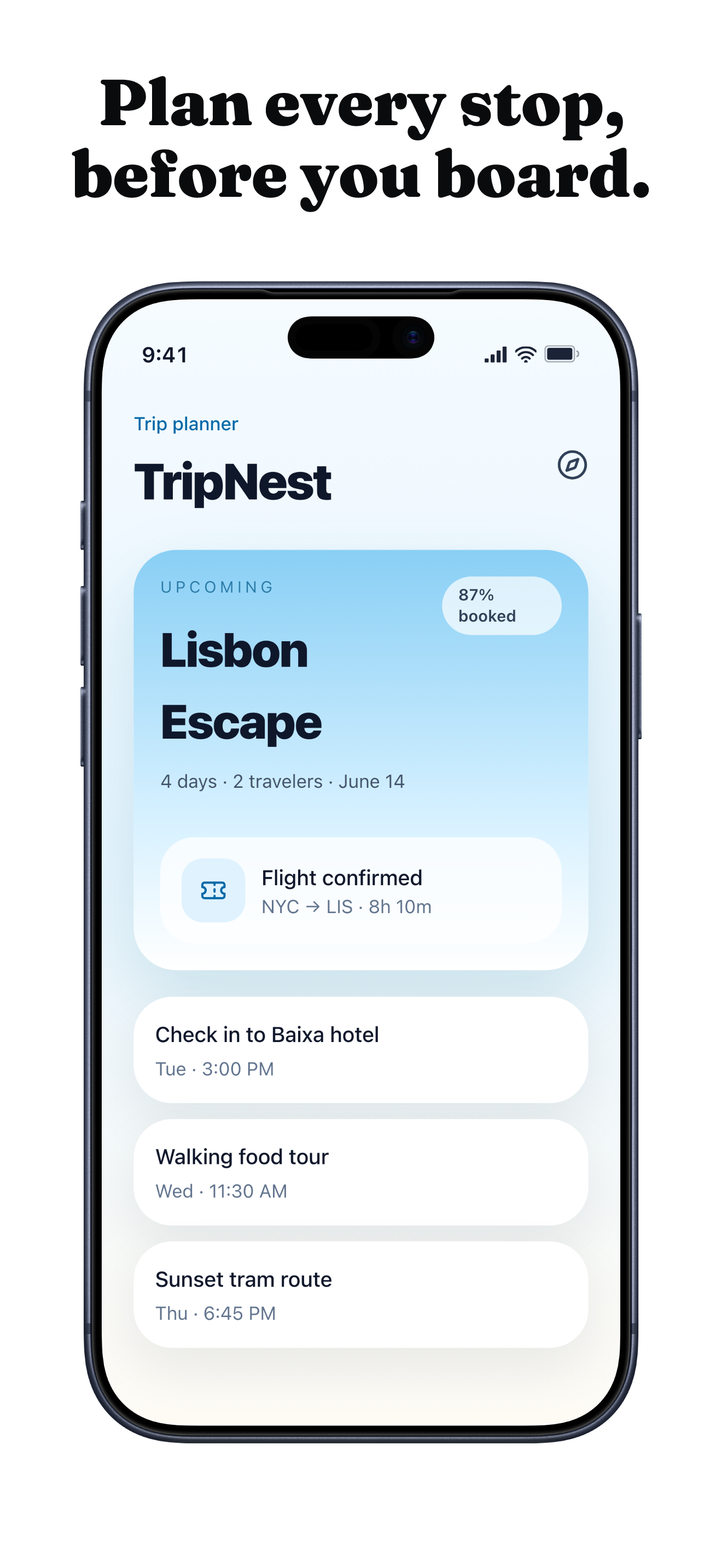
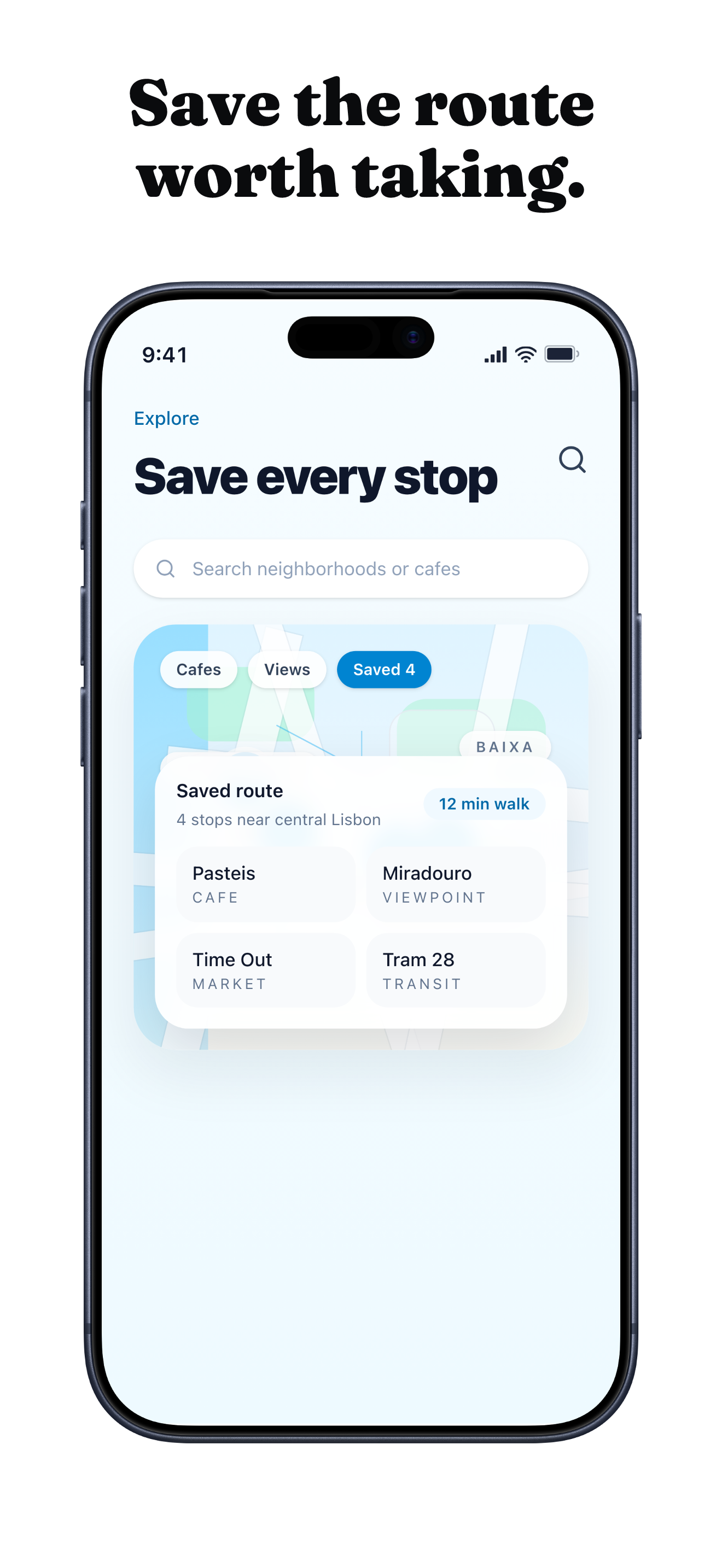
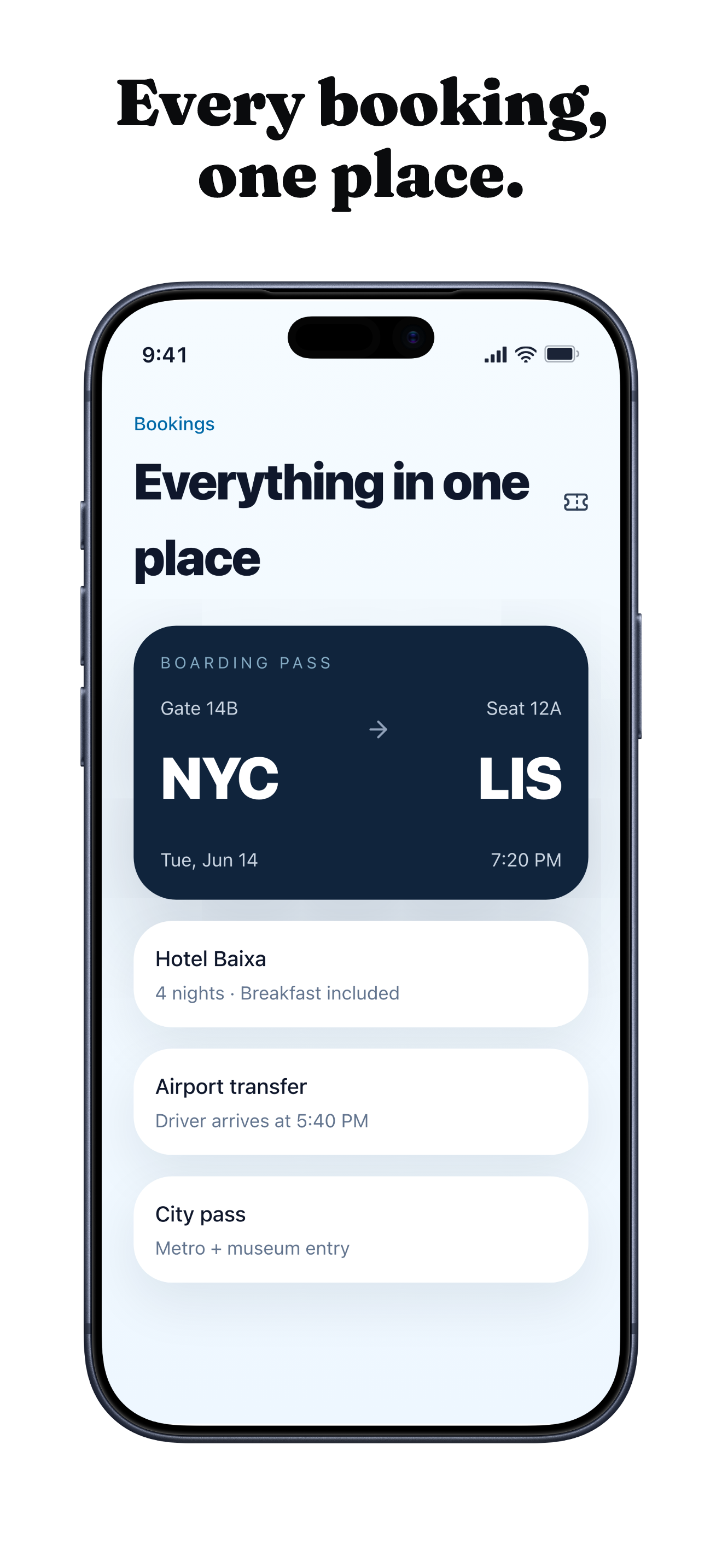
TripNest example set
A travel app sequence showing itinerary, saved stops, and bookings after caption and template styling.
Screenshots may be securely uploaded when required for preview or export. Privacy Policy
What the generator does
A focused App Store screenshot maker for iPhone launches.
Captioned App Store pages
Turn raw iPhone screenshots into App Store-sized pages with captions, device framing, and consistent layout.
Browser-based workflow
Keep upload, template choice, caption edits, preview, and ZIP export in one online screenshot maker.
Clear iPhone scope
Stay focused on iPhone and iOS App Store output, with broader platform support left out of the current workflow.
How it works
Upload, detect, style, caption, export.
- Upload
Start with raw PNG or JPG screenshots from your iPhone app or simulator.
- Detect
Launchscenes checks known iPhone dimensions and recommends a matching device class.
- Style
Choose a template, adjust the frame, and keep the layout focused on the app UI.
- Caption
Add short screenshot captions that explain what each screen is showing.
- Export
Download an App Store-sized ZIP when the set is ready.
Who it's for
Built for practical iOS screenshot work.
Indie iOS founders
Prepare a first App Store listing without building a full design file first.
SwiftUI builders
Use device or simulator captures and keep screenshot production close to the app work.
First-time App Store submitters
Check size, caption, watermark preview, and export expectations before paying.
No Figma / no Photoshop workflow
Keep screenshot production in the browser.
Launchscenes is an iOS app screenshot generator for people who already have app screens and need a repeatable export workflow. Upload screenshots, write captions, select a visual style, and export without setting up a Figma file or editing in Photoshop.
Raw screenshots stay the starting point, so the page remains grounded in the app you actually built.
Templates and captions help you compose the store set without turning the process into a design-tool project.
Example export sets
Start from a screenshot story, then choose the template.
Browse example pages and template guides before opening the iPhone App Store screenshot generator.
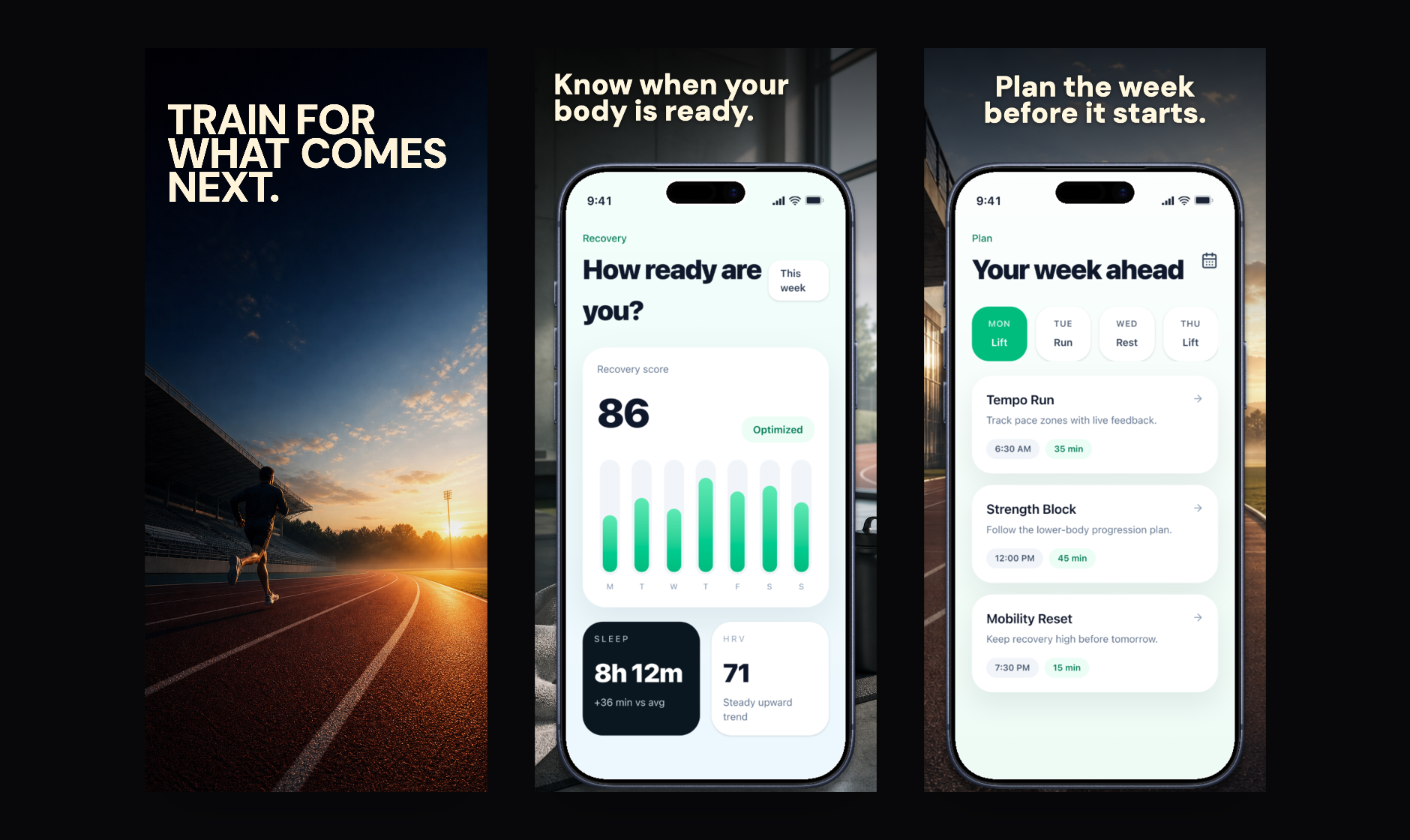
Fitness progress set
A metrics-led sequence for routines, streaks, and progress screens.
View examples
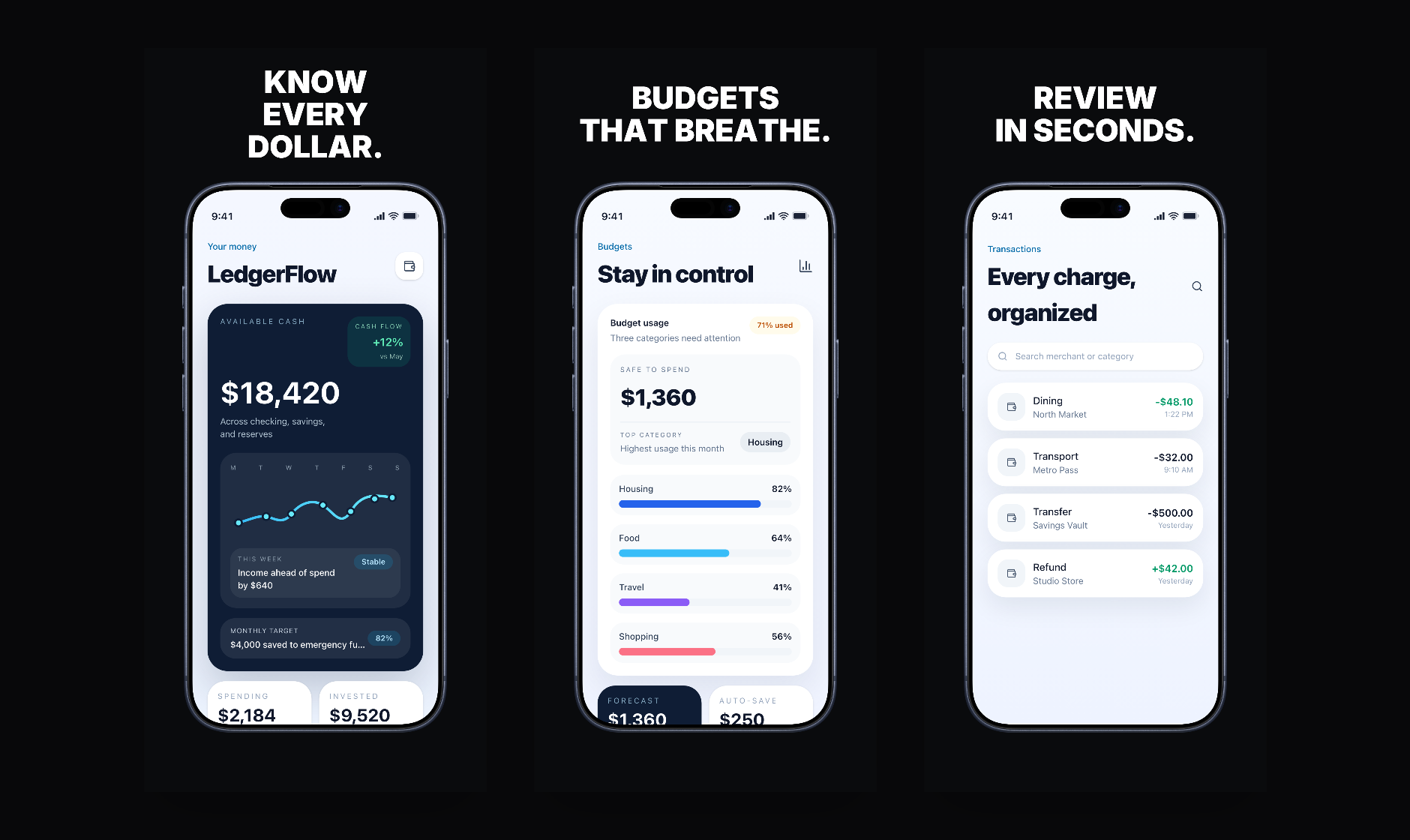
Finance clarity set
A calmer sequence for dashboards, balances, budgets, and trust-heavy UI.
View examples
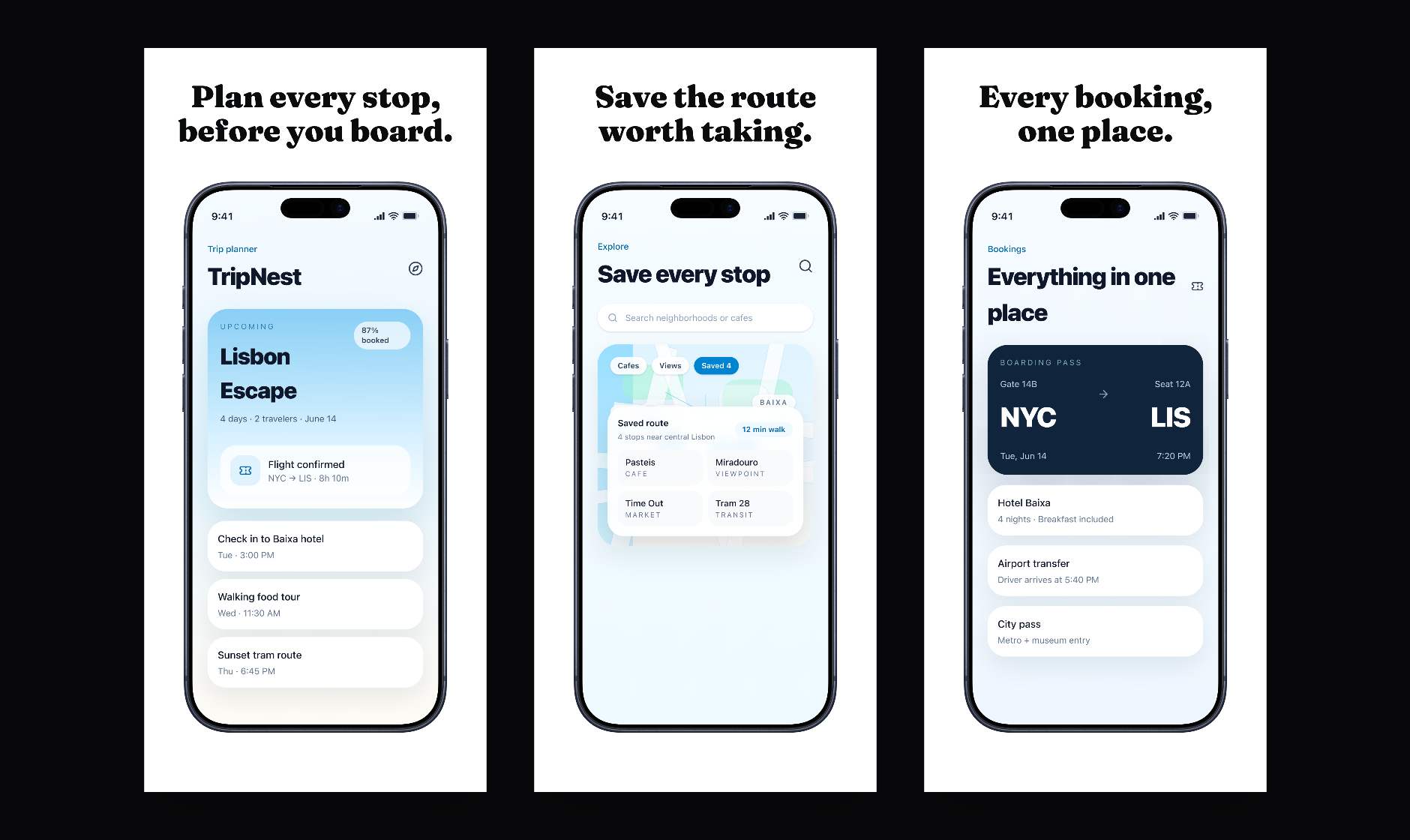
Travel planning set
A movement-led sequence for itineraries, saved places, and bookings.
View examples
What's free vs paid
Preview first, pay when you need clean files.
Preview every page in the editor for free. After signing in, download one watermarked first-page preview ZIP each day. Paid export removes the watermark and produces the complete ZIP for your project.
- Free preview
- Full in-editor preview, plus one watermarked first-page ZIP each day after Google sign-in.
- Paid export
- Watermark-free App Store-sized ZIP for the paid project.
- Supported output and current limitations
- Launchscenes currently focuses on iPhone App Store screenshot output. Broader platform output and iPad output are not part of the current supported workflow.
FAQ
App Store Screenshot Generator questions
Is Launchscenes free?
You can preview every page in the editor for free. After Google sign-in, you can download one watermarked first-page preview ZIP each day. Paid access is only needed when you want a complete watermark-free ZIP.
What do I get with the free preview?
The editor preview lets you inspect the full project in your browser. The free downloadable ZIP is limited to the first page and includes a watermark so you can check export formatting before paying.
What do I get when I pay?
A one-time Pro export gives you one watermark-free ZIP for the paid project. Monthly Pro is for repeated export work and is capped at 30 successful watermark-free ZIP exports each month.
Does Launchscenes support Android?
No. Launchscenes is currently focused on iPhone and iOS App Store screenshot workflows, not Android or Google Play output.
Does Launchscenes support iPad?
Not yet. iPad support is intentionally deferred until Launchscenes has a dedicated page-format workflow for iPad screenshots.
Can I use simulator screenshots?
Yes. Clean simulator screenshots can work well when they are exported as PNG or JPG files at supported iPhone dimensions.
What screenshot sizes are supported?
Launchscenes focuses on common iPhone App Store portrait sizes. The App Store screenshot sizes reference lists the current practical iPhone targets.
Do I need Figma?
No. The workflow runs in the browser, so you can upload screenshots, add captions, choose a template, and export without Figma.
Do I need to sign in?
You can read this page and open the builder without signing in. Google sign-in is required before exporting a preview ZIP or starting checkout.
Ready to build the set
Open the builder and start with your screenshots.
Preview every page in the editor for free. After signing in, download one watermarked first-page preview ZIP each day.