
LaunchscenesCreate screenshots free

Finance App Store Screenshot Template

Finance screenshots need discipline and clarity. This preset keeps dashboards readable while adding enough polish to convert.

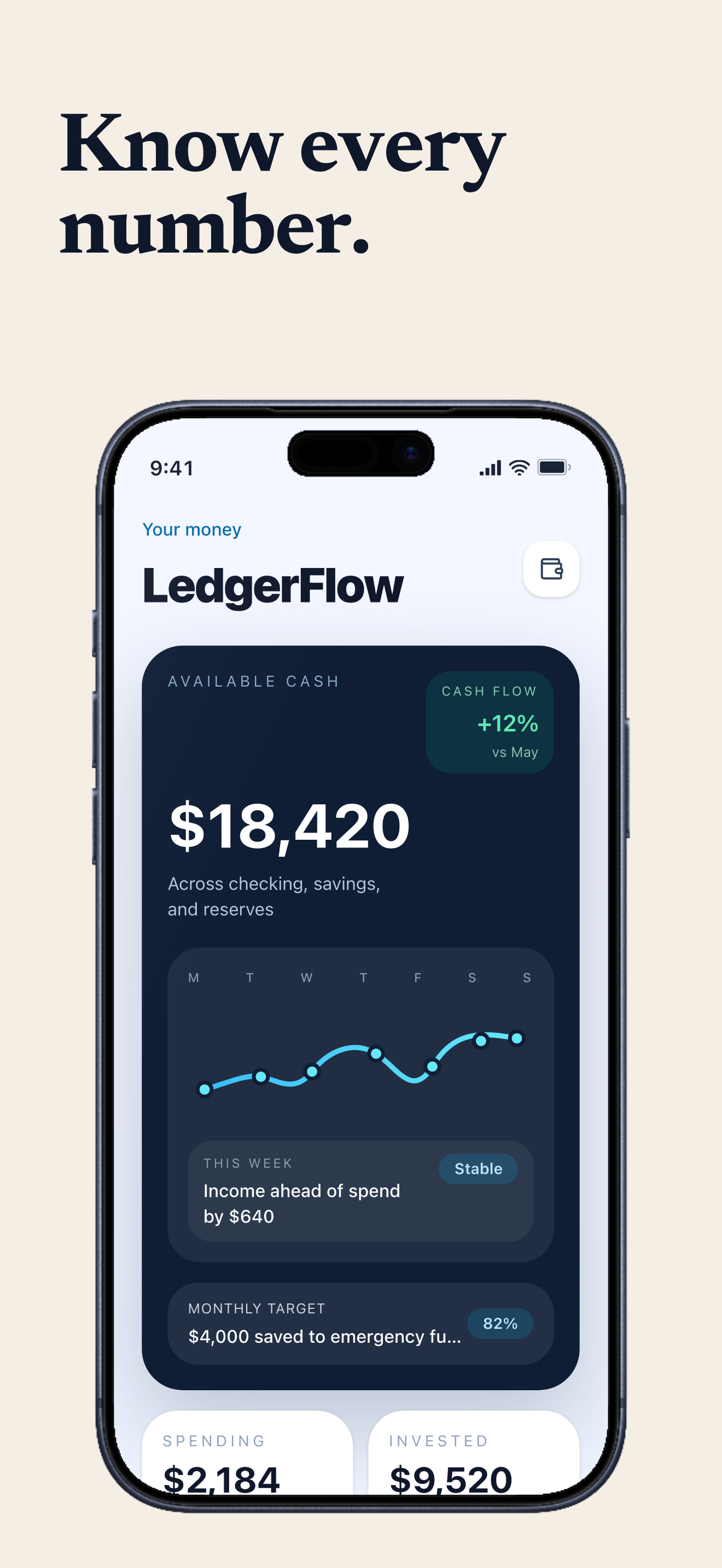
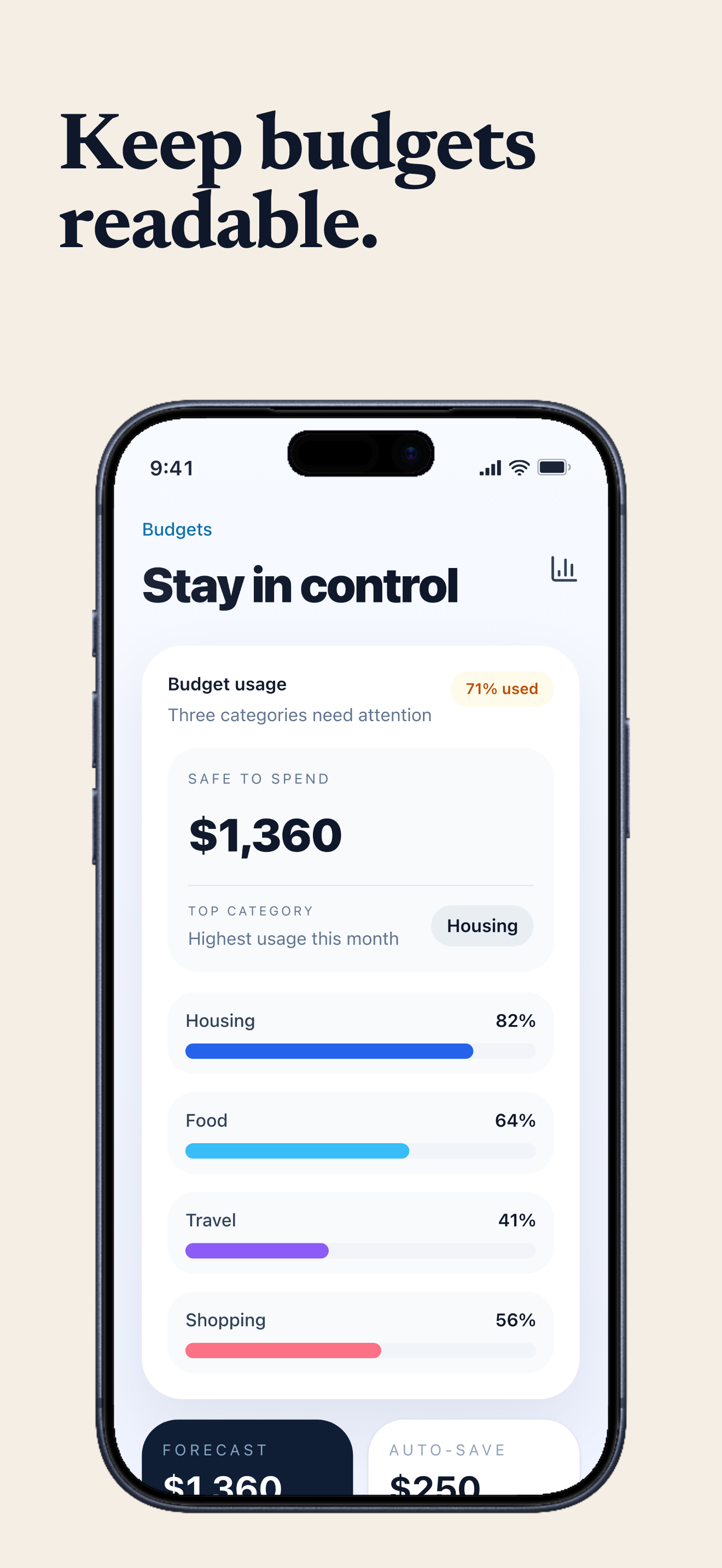
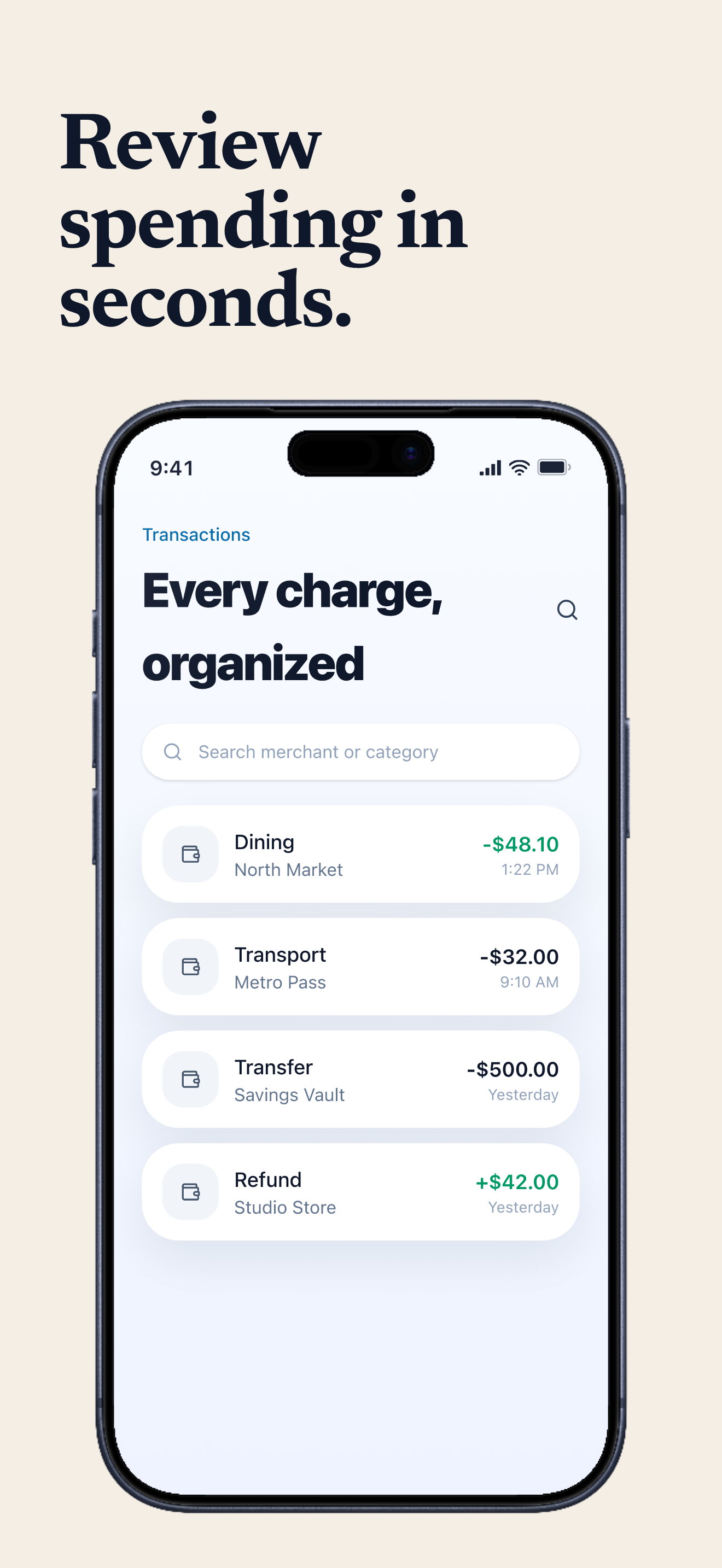
LedgerFlow screenshots built with Launchscenes.

Example export set for a finance workflow, using fictional in-house demo screens.

Finance template App Store screenshot demo showing LedgerFlow balance overview.
Finance template App Store screenshot demo showing LedgerFlow budget progress.
Finance template App Store screenshot demo showing LedgerFlow transactions.

What happens next

Upload up to ten PNG or JPG screenshots.
Launchscenes detects the device size and frames the layout for you.
Tune the copy, preview the layout, and download a watermark-free ZIP when you pay.

What this page helps you decide

Use the notes below to choose the right screenshot size, template, and export path for an iPhone App Store listing.

Finance template use cases

Structured layout that makes dashboards and trust signals feel premium. Use this preset when the visual tone matches the product and the screenshot needs a clear caption system, not just decoration.

  • Budgeting, investing, banking, expense, invoice, and personal finance apps.
  • Screens where trust, readability, and control matter more than visual excitement.
  • Products that need dashboards and numbers to feel organized instead of intimidating.

Finance visual pattern and examples

Use structured spacing, restrained color, and captions that explain safety, oversight, clarity, or decision-making.

  • Caption example: Know every balance before you move.
  • Caption example: Catch unusual spending before it spreads.
  • Caption example: Plan the month with clearer numbers.

When not to use Finance

Avoid Finance for playful consumer apps unless the screen is actually about money or control. The template can feel too reserved for lifestyle or entertainment products.

  • Check that balances, charts, and labels are readable after export.
  • Avoid implying bank-grade guarantees or financial advice unless the product and legal posture support it.
  • Use captions that clarify user control rather than promising financial outcomes.

Open the builder for this setup.

The full builder opens on its own dedicated page so editing and export stay focused. Template and device recommendations from this guide are applied when supported.

Template
finance
Device
Auto or detected
Open in builder

FAQ

Which apps fit the Finance template best?

Budgeting, investing, banking, expense, invoice, and personal finance apps.

Can I preload the Finance template in the generator?

Yes. This page opens the generator with the matching public template preset selected so you can upload screenshots and inspect the result.

What should I check before a paid export?

Confirm the source screenshot is readable, captions are specific, the selected iPhone frame fits the upload, and the export path matches the current free, one-time Pro, or Monthly Pro policy.

More screenshot guides worth opening

Compare device sizes, browse styles, or look through category examples, then jump straight back into the dedicated builder when you are ready.